Latest Version
Konstantin Lopatkin
Security
iOS
Free
1514754351
Report a Problem
More About SafePass: Password manager Review
An Ultra-Secure Approach to Credential Management
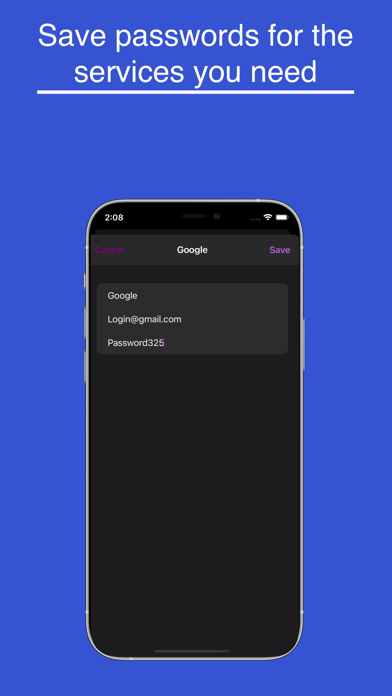
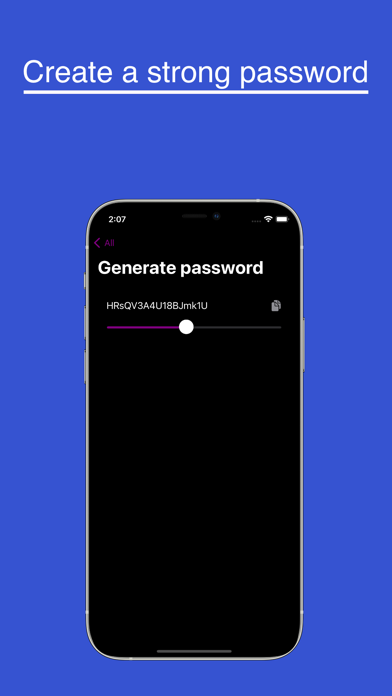
In an era where cloud breaches are increasingly common, the SafePass: Password manager offers iOS users a refreshing, highly secure alternative. Developed by Konstantin Lopatkin, this utility takes a strict local-first stance on digital security. By eliminating cloud synchronization entirely, it ensures that your sensitive credentials never leave your physical device.
How SafePass: Password manager Protects Your Data
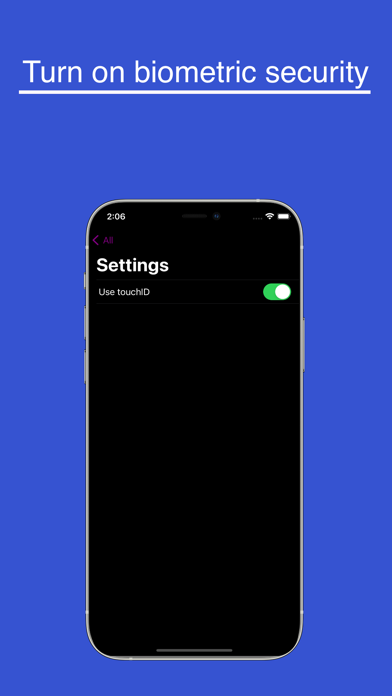
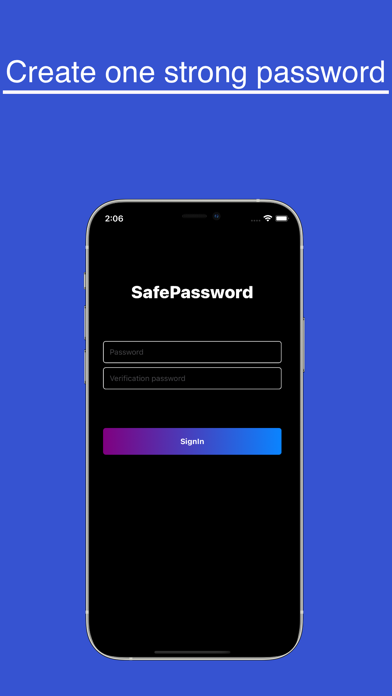
The core philosophy behind the SafePass: Password manager is absolute local isolation. All your sensitive information is encrypted and stored exclusively on your iPhone. To access this vault, you establish a single master password during setup. For maximum security, this master password cannot be changed once set—a design choice engineered to prevent unauthorized override attempts. To balance this strict protocol with daily convenience, the app integrates seamlessly with your device's biometric sensors, allowing you to unlock your vault quickly via Face ID or Touch ID.
Key Features of SafePass:
- Zero-Cloud Storage: Your data remains entirely offline, hosted only on your local iPhone storage.
- Immutable Master Password: A locked-in master key system that prevents unauthorized resets or modifications.
- Biometric Integration: Fast, secure access to your credentials using your iPhone's native biometric sensors.
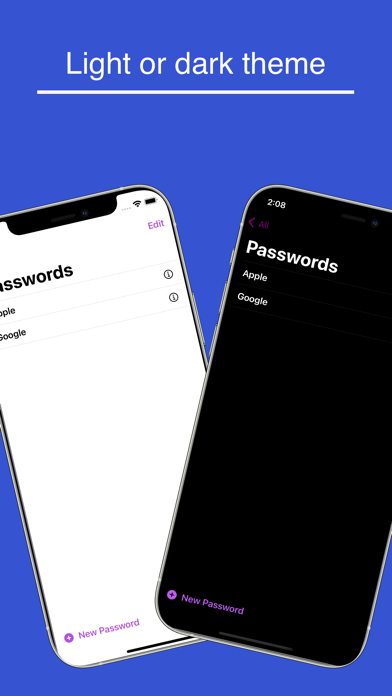
- Streamlined Interface: A clean, distraction-free environment focused purely on credential security.
Who Is This Password Manager For?
The SafePass: Password manager is tailored specifically for privacy purists who distrust cloud-based password managers. If you prefer to have absolute control over your data footprint and do not require multi-device syncing, this app provides an incredibly robust, localized vault. It is perfect for users who want straightforward, offline utility without subscription fees or complex setup processes.
Our Editorial Verdict
By bypassing the cloud entirely, Konstantin Lopatkin has created a highly focused utility for security-conscious iOS users. While the inability to reset your master password requires careful onboarding, it offers a level of uncompromising security that modern web-connected apps rarely match. If you are ready to take full ownership of your digital vault, you can find more details and download the app directly on the official Apple App Store.
Rate the App
User Reviews
Popular Apps










Editor's Choice