Latest Version
KDE
Education
Linux
Free
org.kde.ktouch
Report a Problem
More About KTouch Touch Typing Tutor: Learn to Type Fast on Linux
If you want to transition from slow, hunt-and-peck typing to rapid, fluid keystrokes, the KTouch touch typing tutor is one of the most practical tools available for Linux users. Developed by the renowned KDE community, this open-source education application serves as an interactive typewriter trainer. Instead of forcing you through dry, theoretical lessons, it places you directly into hands-on practice sessions designed to build muscle memory step by step.
How the KTouch Touch Typing Tutor Builds Real Muscle Memory
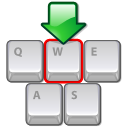
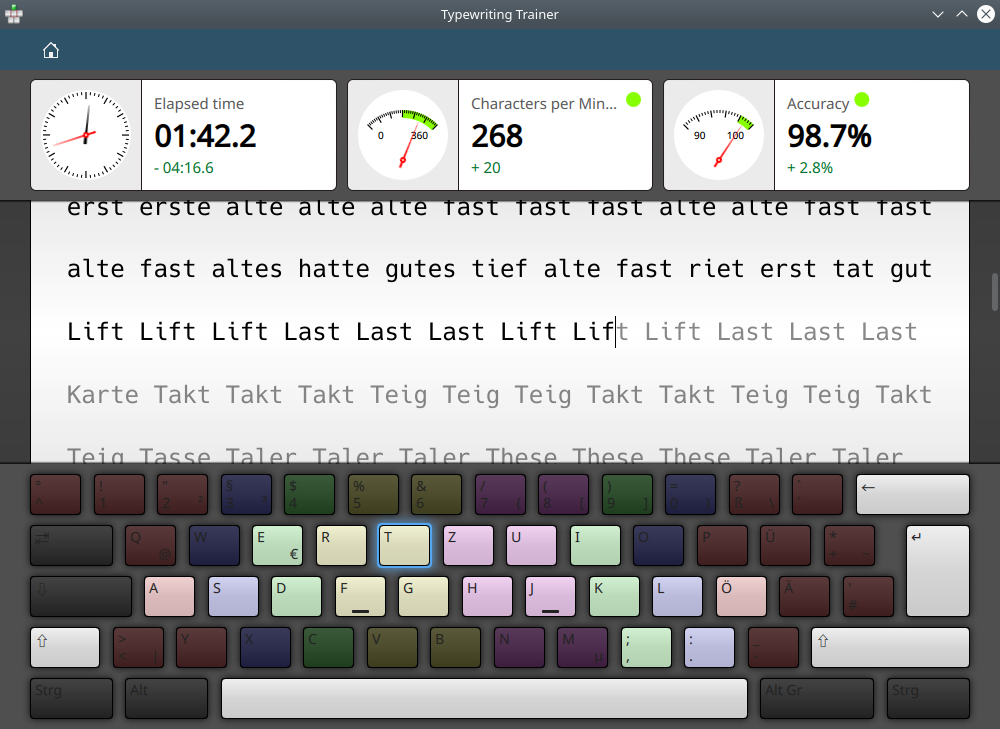
At its core, KTouch focuses on tactile learning. When you launch a lesson, the software projects a virtual keyboard on your screen. This color-coded interface indicates exactly which finger you should use for each key, preventing the bad habit of looking down at your physical keyboard. By keeping your eyes on the screen, you naturally train your hands to locate keys based on touch alone.
Key Features of KTouch
- Adaptive Lesson Progression: KTouch monitors your typing speed and error rates in real time. If you struggle with certain keys, the application adjusts the difficulty or repeats specific exercises to ensure you master them before moving forward.
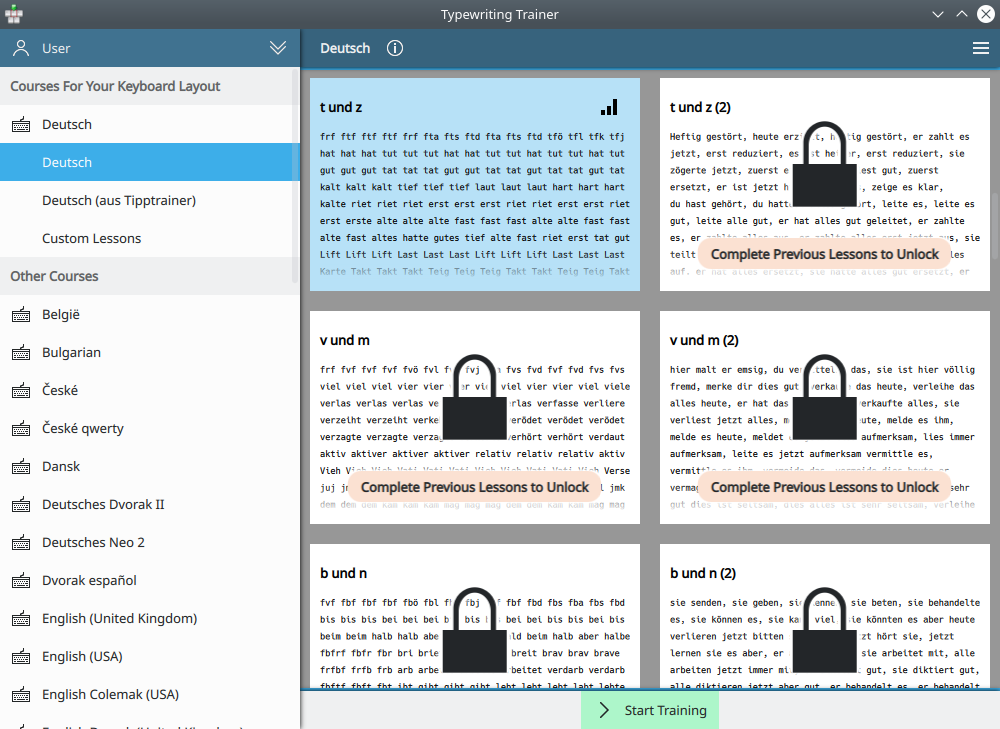
- Dozens of Built-in Courses: The software ships with comprehensive courses available in many different languages and keyboard layouts, making it highly versatile for global users.
- Integrated Course Editor: If the default lessons do not meet your specific goals, the built-in editor allows you to craft custom training regimens or import external text files.
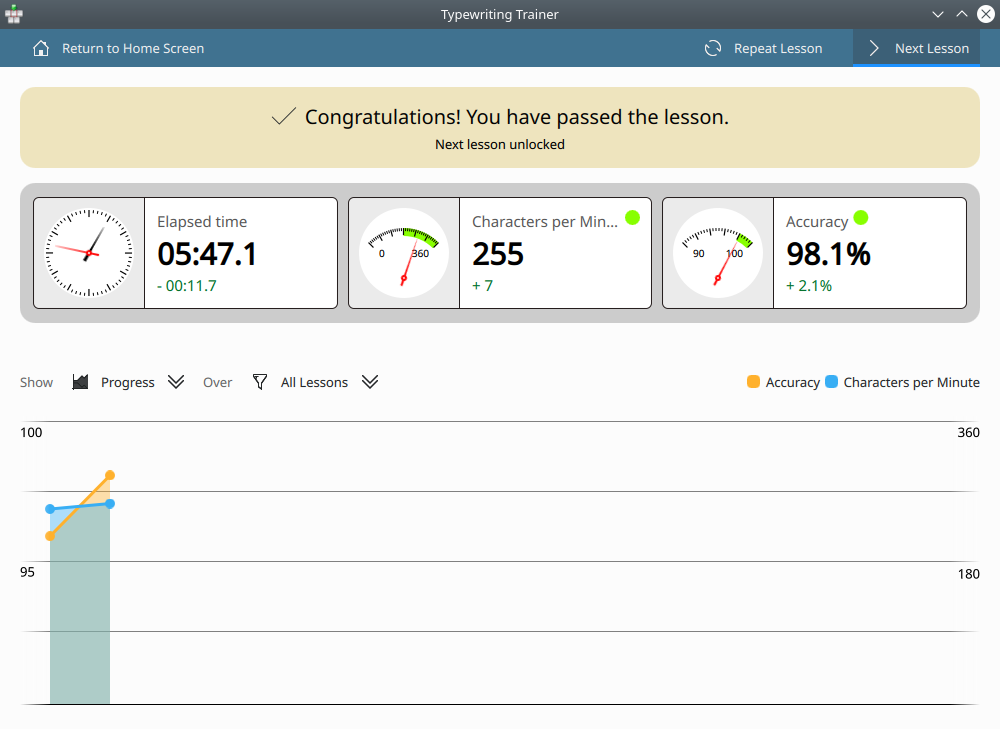
- In-Depth Performance Analytics: KTouch collects detailed statistical information after every session. You can track your words-per-minute (WPM) progress, accuracy percentages, and identify specific keys that slow you down.
Who Benefits Most From This Educational Tool?
The KTouch touch typing tutor is highly adaptable, making it an excellent fit for multiple environments. In educational settings, teachers can use the detailed statistical tracking to monitor student progress over semesters. For professionals and students alike, dedicating just fifteen minutes a day to its structured exercises can dramatically increase daily productivity and reduce typing fatigue.
Getting Started with KTouch
Because it is a native Linux application, KTouch integrates beautifully into modern desktop environments. It offers a clean, distraction-free interface that lets you focus entirely on your physical finger placement and screen coordination. If you are ready to upgrade your keyboard skills and boost your productivity, you can find more details and access the application on the official Flathub store page today.
Rate the App
User Reviews














Popular Apps










Editor's Choice